 MoreFrame
Record your first video
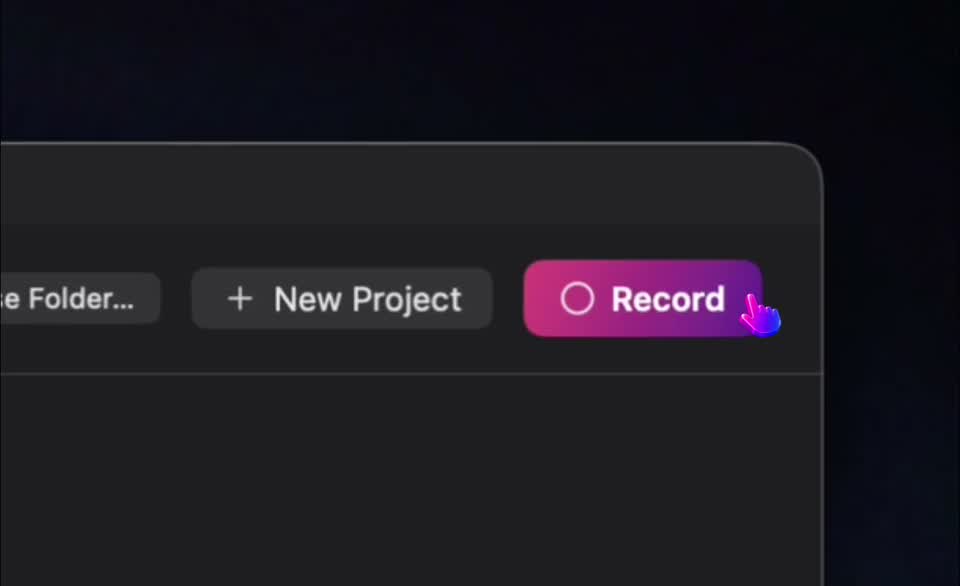
- Click Record. The floating bar opens.
- Open Window and tap the app you want in the list. Its preview fills Main (slot 1).
- Click Start recording. Talk and click through the flow.
- Click Stop recording on the bar.
- Press play. You should see the window on a padded background. Smart Zoom usually adds zoom blocks where you clicked.
If the window list is empty or previews are black, grant Screen Recording in System Settings and reopen MoreFrame.