 MoreFrame
Shapes and privacy blur
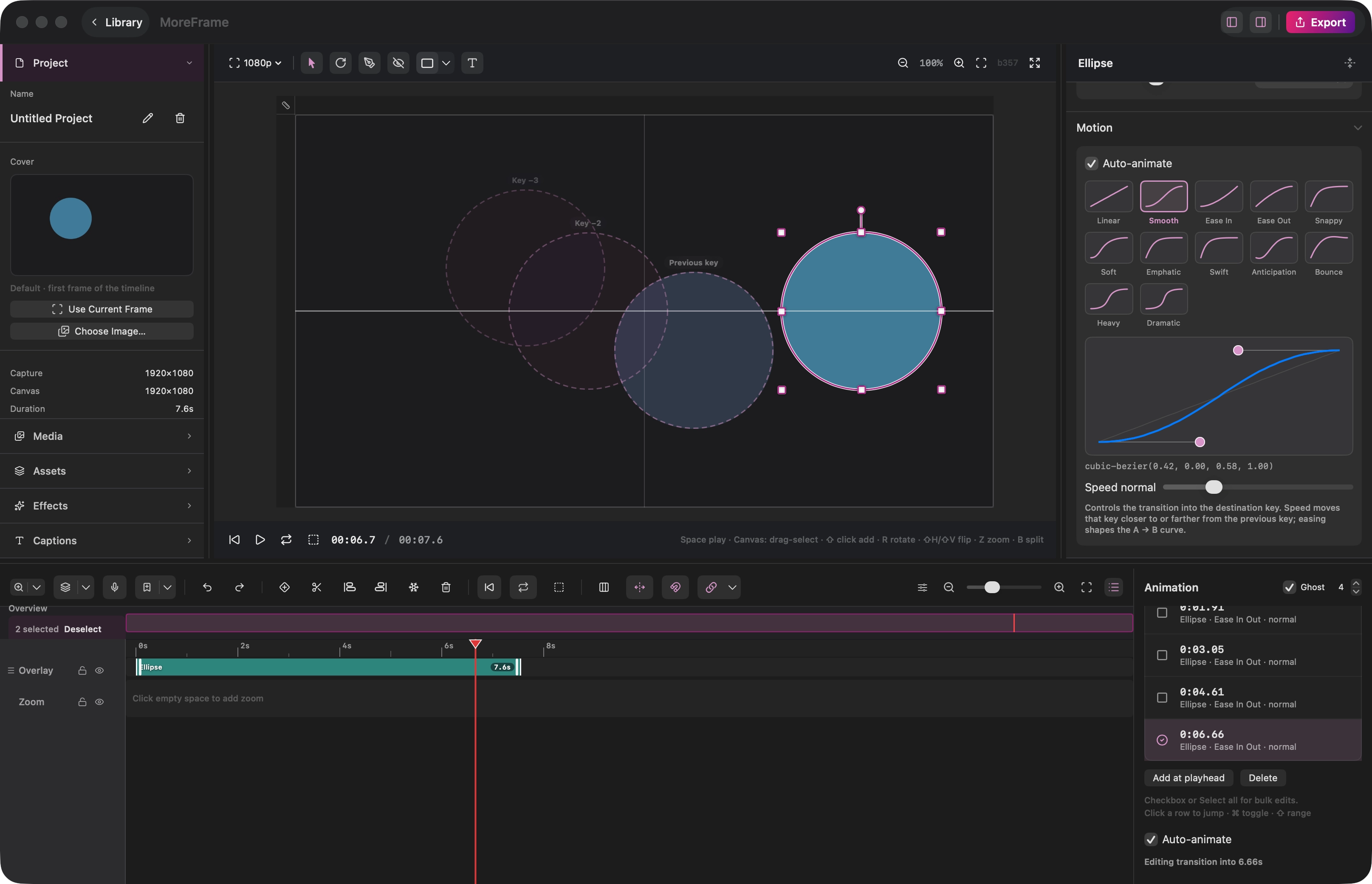
Add a shape from the preview toolbar: Rectangle, Ellipse, Circle, Line, Arrow, Polygon, or Star. Set fill, corners, and border.
Click the privacy-blur tool (eye-off) to drop a frost over a password, email, or name. You can also raise Privacy blur on a shape you already placed.
Invert + Dim in Layout turns the shape into a spotlight. Everything outside goes dark.