 MoreFrame
Place a zoom yourself
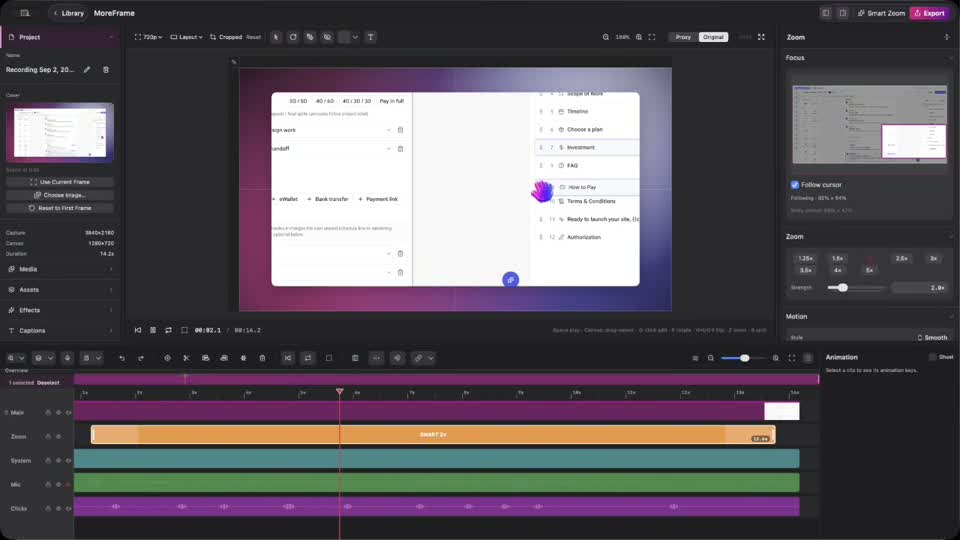
- Choose Add Zoom at Playhead, or select an automatic zoom on the timeline.
- Choose Place Zoom on Preview… (or click Place Zoom in the preview).
- Click the preview on the control you want.
- Stretch the block to hold longer. Lower Strength if it feels too tight.