 MoreFrame
Record the whole display
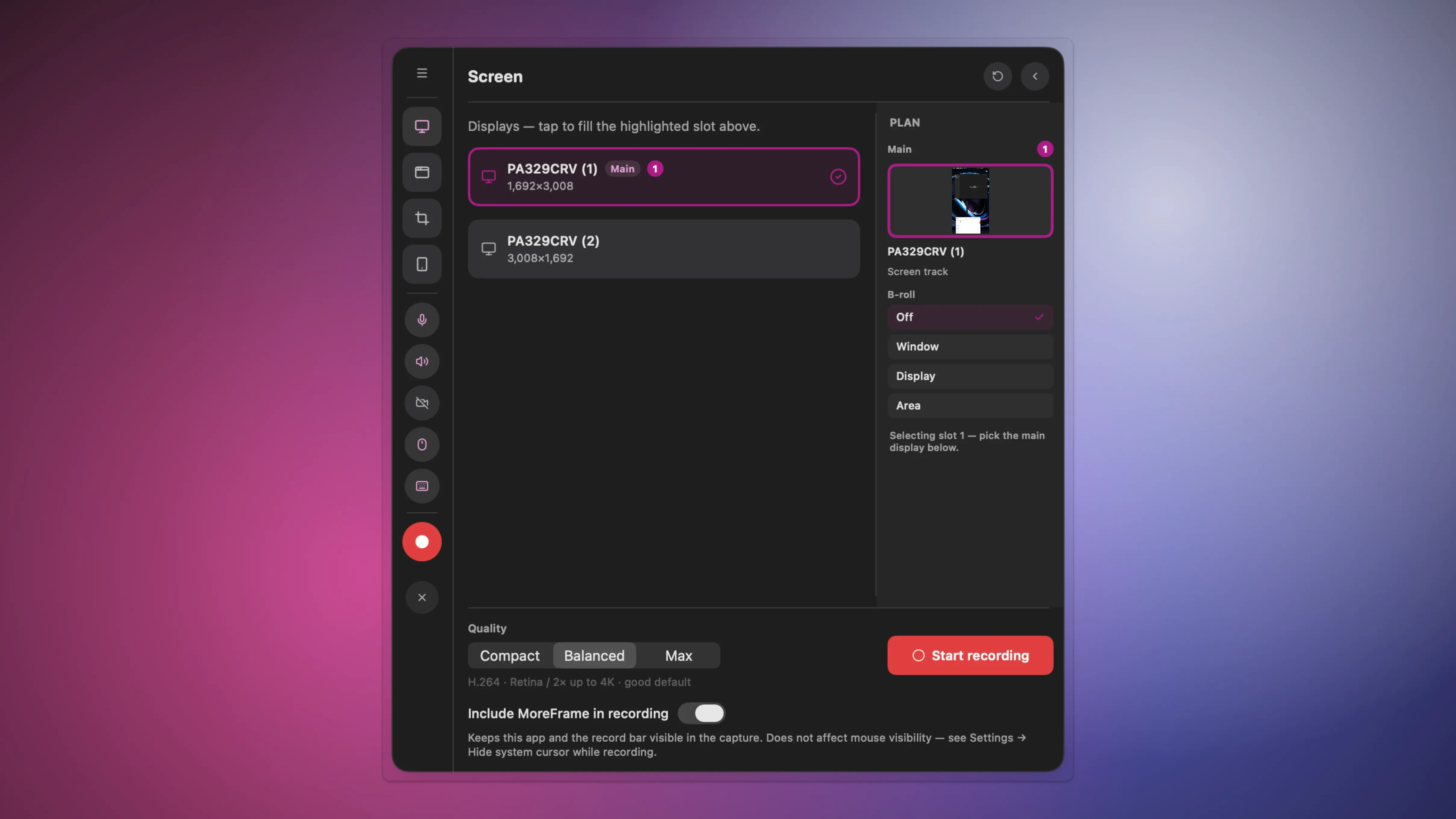
Use this when the story jumps across apps and a single window would miss it.
- Click Record.
- Open Screen and pick the display.
- Click Start recording.
- Click Stop recording on the bar.
If you only need one app, record the window instead so you do not have to crop out the desktop later.