 MoreFrame
Record a region
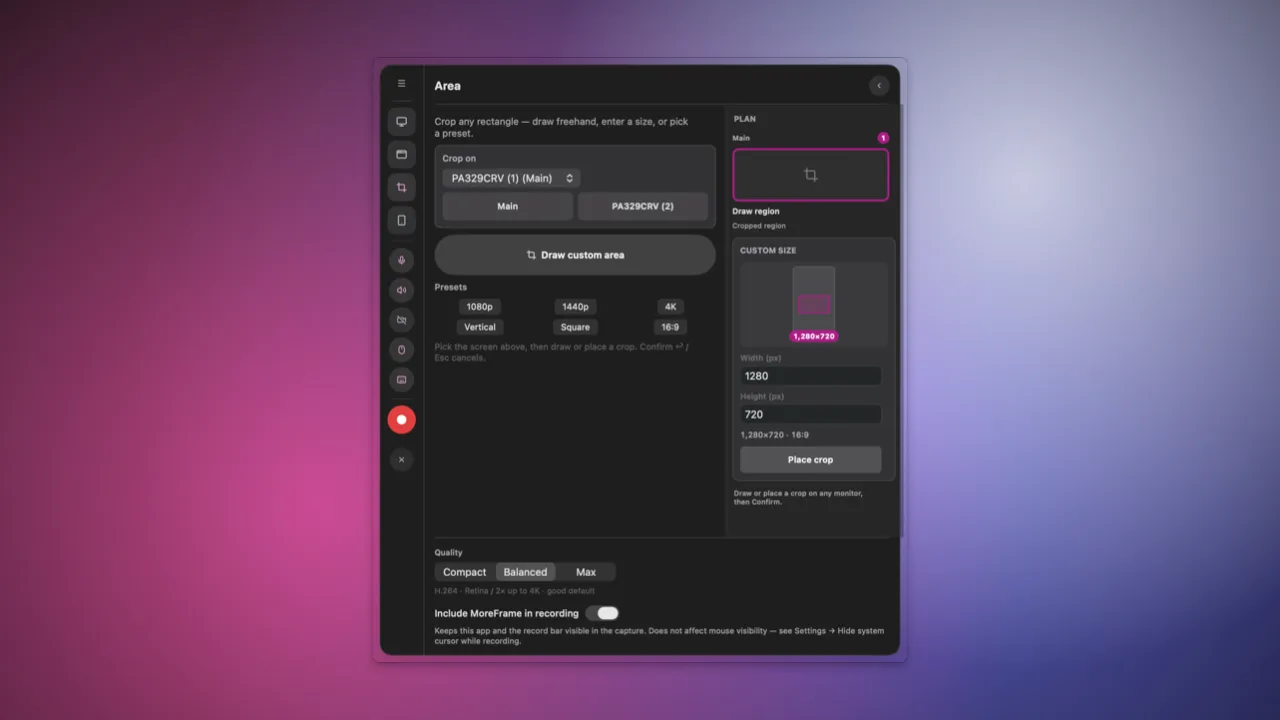
Use this when a full window is too much: a settings panel, a chat, or a slice of an ultrawide.
- Click Record.
- Open Area and draw the rectangle.
- Click Start recording.
- Click Stop recording on the bar when you are done.
You can still zoom inside that rectangle later.